
Give Older iMacs & MacBooks
a Second Life.
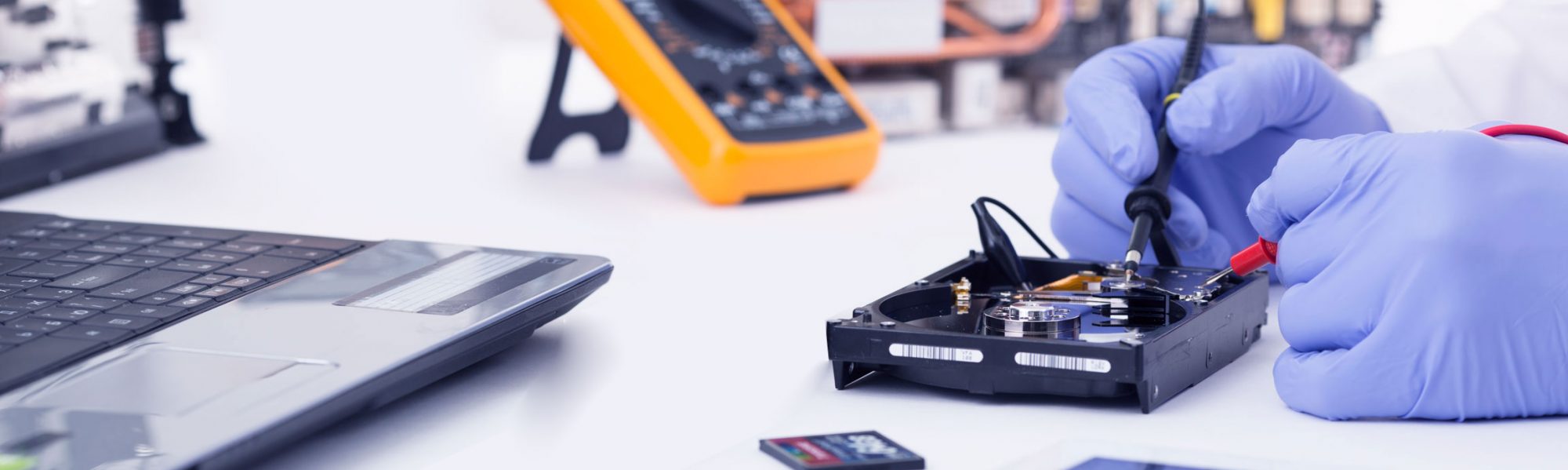
Your Apple computer may still be excellent hardware. Before replacing it, Talktechnow can assess whether it can be refurbished, upgraded, and rebuilt for fast, secure everyday use.
Too Old for Updates Does Not Always Mean Too Old to Use
Many older iMacs and MacBooks still have great screens, solid keyboards, good speakers, webcams, and reliable hardware. The problem is often that the original operating system is no longer supported, has become too heavy, or no longer fits the way you use the device.
Talktechnow can check whether your Apple device is suitable for a clean rebuild using a modern, lightweight Linux-based operating system for web browsing, email, documents, video calls, online banking, study, and general office work.
Which Apple Devices May Be Suitable?
Not every Mac is suitable. Some models have driver, Wi-Fi, graphics, camera, firmware, or storage limitations. That is why we assess the device first and provide honest advice.
Older iMacs
Best for: home offices, libraries and reception desks
Many iMacs still have excellent displays and good build quality. Where compatible, they can be repurposed into clean, fast workstations for browser, documents, email, online services, and learning spaces.
MacBooks & MacBook Pros
Best for: study, travel and everyday use
Suitable MacBooks can often be rebuilt for lightweight daily tasks. We check battery condition, keyboard, trackpad, camera, Wi-Fi, storage, and overall usability before recommending a revival.
Office & Family Macs
Best for: email, documents and web apps
A revived Mac can be ideal for online banking, Google Workspace, Microsoft 365 web apps, LibreOffice, PDFs, YouTube, research, printing, and general everyday computing.
Shared Learning Devices
Best for: classrooms, trusts and community rooms
Older Apple devices can sometimes be repurposed for libraries, student access, shared terminals, training rooms, and community organisations where simple, reliable access is the priority.
What We Can Test and Configure
A Mac revival starts with a proper compatibility and hardware check. We do not assume every device should be converted. We test what matters first, then recommend the right option.
Model, age, CPU, RAM, storage, battery, display, keyboard, trackpad, ports, camera, audio, and Wi-Fi.
Graphics, sound, camera, network, sleep/wake behaviour, external display options, and general Linux compatibility.
Where approved, we securely wipe old data and install a clean, modern operating system suited to the hardware.
Browser, email, office tools, PDFs, printing where available, video calls, and Windows file-share access if required.
The goal is simple: make suitable Apple hardware useful again without pretending every workflow is the same.
Good Use Cases for a Revived Mac
Great for web apps, online services, school portals, general browsing, and research.
Office-compatible writing, spreadsheets, presentations, PDF viewing, and forms.
Email, YouTube, online banking, photo storage access, and daily communication.
Useful for light admin tasks, browser tools, online forms, calendars, and email.
Student research stations, libraries, training rooms, and community access points.
Keep a reliable backup computer available for practical everyday tasks.
Mac Revival Assessment
| Assessment Area | What Talktechnow Checks |
|---|---|
| Mac Model & Age | We identify the model, generation, hardware specs, and likely upgrade or compatibility options. |
| Hardware Condition | Screen, keyboard, trackpad, speakers, camera, battery, storage, ports, Wi-Fi, and general physical condition. |
| Performance Potential | RAM, storage type, SSD upgrade options, boot speed, browser performance, and realistic everyday usability. |
| Linux Compatibility | Graphics, sound, camera, network, external displays, power management, and driver behaviour. |
| Best Use Case | Whether the device is best suited for home use, student work, office tasks, training rooms, or should be retired. |
Important: We Check First
Some Apple workflows still require macOS, Apple-only software, iCloud-specific features, Final Cut, Logic Pro, certain creative suites, or other macOS-only applications. A revived Linux-based Mac is not the right answer for every user.
Talktechnow will assess your device and your intended use first. If your Mac is not suitable for revival, or if the conversion would not be practical, we will tell you honestly.
Local Experience. Practical Advice.
Talktechnow is based at 1232 Eruera Street, Rotorua and helps local customers, businesses, schools, and community organisations get more practical value from their technology.
Founder Clemens studied at the DAA Academy in Stuttgart, Germany, became an IT Systems Integration Specialist, and completed multiple cybersecurity courses. Before establishing Talktechnow in New Zealand, Clemens worked in Germany as a team leader with 25 team members on one of the largest computer rollout projects for the German Military.
This gives Talktechnow a strong foundation in structured IT deployment, hardware support, security, troubleshooting, and practical field delivery.
Have an Older iMac or MacBook Sitting Unused?
Before replacing it, bring it to Talktechnow for a practical assessment. We can check whether it can be revived, upgraded, or rebuilt for everyday use.
Talktechnow
1232 Eruera Street, Rotorua
07 343 7691